
This post was originally published on this site.
If you’re looking to create engaging content for social media, vertical video editors are essential. You can choose from a variety of options, each with distinct features to meet your needs. For example, Kapwing offers AI tools, whereas iMovie integrates smoothly with Apple devices. Other editors like InShot and Picsart likewise provide user-friendly interfaces and flexible pricing plans. Comprehending these tools can improve your content strategy, but which one aligns best with your goals?
Key Takeaways
- Kapwing offers AI-powered tools and a user-friendly interface for editing vertical videos, ideal for social media platforms like TikTok and Instagram Reels.
- iMovie provides seamless integration within the Apple ecosystem, featuring intuitive timelines and storyboard options for easy vertical video editing.
- Picsart combines photo and video editing capabilities, allowing basic video edits with font and color customization for branding purposes.
- Microsoft Clipchamp is a lightweight solution for Windows users, offering both online and offline editing options with extensive tutorial support.
- InShot specializes in professional-quality mobile video editing, featuring customizable aspect ratios, filters, and music integration tailored for social media content.
Kapwing
When you’re looking to create engaging videos for social media, Kapwing stands out as an efficient, fully online vertical video editor.
It features AI-powered tools like automatic subtitles and smart cropping, which streamline your editing process. With a user-friendly interface, Kapwing works seamlessly on all devices, including Mac, Windows, Chromebook, and Linux, letting you edit from anywhere.
You can easily create and edit videos in the 9:16 aspect ratio, perfect for platforms like TikTok and Instagram Reels. Although the free version includes a small watermark, the Pro version, available for $16/month when billed annually, reveals upgraded features.
Regular updates guarantee that Kapwing stays aligned with current social media trends, making it a reliable choice for content creators.
Imovie
iMovie is a user-friendly video editing app that integrates seamlessly within the Apple ecosystem, making it easy for you to edit on your iPhone, iPad, or Mac.
It supports vertical video formats, ideal for platforms like Instagram and TikTok, and offers basic editing features that cater to users of all skill levels.
With its intuitive interface and straightforward timeline management, you can quickly navigate through your projects and create polished videos.
User-Friendly Interface
For those looking to plunge into video editing, a user-friendly interface can make all the difference in simplifying the process. iMovie is particularly accessible for beginners and casual users interested in creating iMovie vertical videos.
Here are three key features that improve its usability:
- Innovative timeline management – Easily navigate tracks and organize clips, streamlining your editing experience.
- Storyboards – These guide you through the video creation process, ensuring a structured approach to your edits.
- Magic Movie feature – This automation trims clips, adds changes, and music, perfect for quick edits.
With these features, iMovie helps you focus on creativity instead of getting lost in technical details, making it an excellent choice for those new to video editing.
Seamless Apple Ecosystem Integration
Seamlessly integrating with the Apple ecosystem, iMovie allows you to switch between your iPhone, iPad, and Mac without missing a beat.
This means you can effortlessly start a project on your iPhone, fine-tune it on your iPad, and finalize your edits on your Mac.
iMovie’s support for vertical video makes it an excellent choice for creating content designed for social media platforms like TikTok and Instagram Reels.
The app simplifies your editing process with features like Storyboards and the Magic Movie tool, catering to both beginners and more experienced users.
[embedded content]
Plus, you can improve your video projects by accessing a wide array of music and sound effects directly from your iTunes library.
Basic Editing Features Available
Editing videos can be a straightforward process with the right tools, and iMovie provides a user-friendly interface that caters to both novices and casual users.
With iMovie portrait mode, you can easily create content customized for social media. Here are some basic editing features you’ll appreciate:
- Clip Management: Trim and split clips effortlessly, enabling precise organization of your video content.
- Visual Effects: Choose from various pre-set transitions and effects that improve your video’s appeal with minimal effort.
- Audio Integration: Seamlessly access your iTunes library for soundtracks and audio effects, elevating your project’s overall quality.
These features make iMovie a solid choice for anyone looking to refine their vertical videos for platforms like Instagram and TikTok.
Picsart

Picsart is a versatile editing tool that caters to both video and photo content, making it a popular choice for social media creators. Moreover, it offers basic video editing tools like trimming and ratio selection, its advanced options are somewhat limited compared to specialized video editors. It’s particularly useful for good video editors for iPhone users, as it allows for font and color customization, enhancing brand management for marketing purposes. Furthermore, the batch editor feature lets you make multiple edits at once, boosting your productivity. The app’s clean interface is beginner-friendly, yet it provides advanced features through paid subscription options.
| Feature | Basic Editing | Advanced Features |
|---|---|---|
| Trimming | Yes | Limited |
| Batch Editing | Yes | No |
| Customization | Fonts and Colors | Available in Paid |
| User Interface | Beginner-Friendly | Advanced Options |
Microsoft Clipchamp
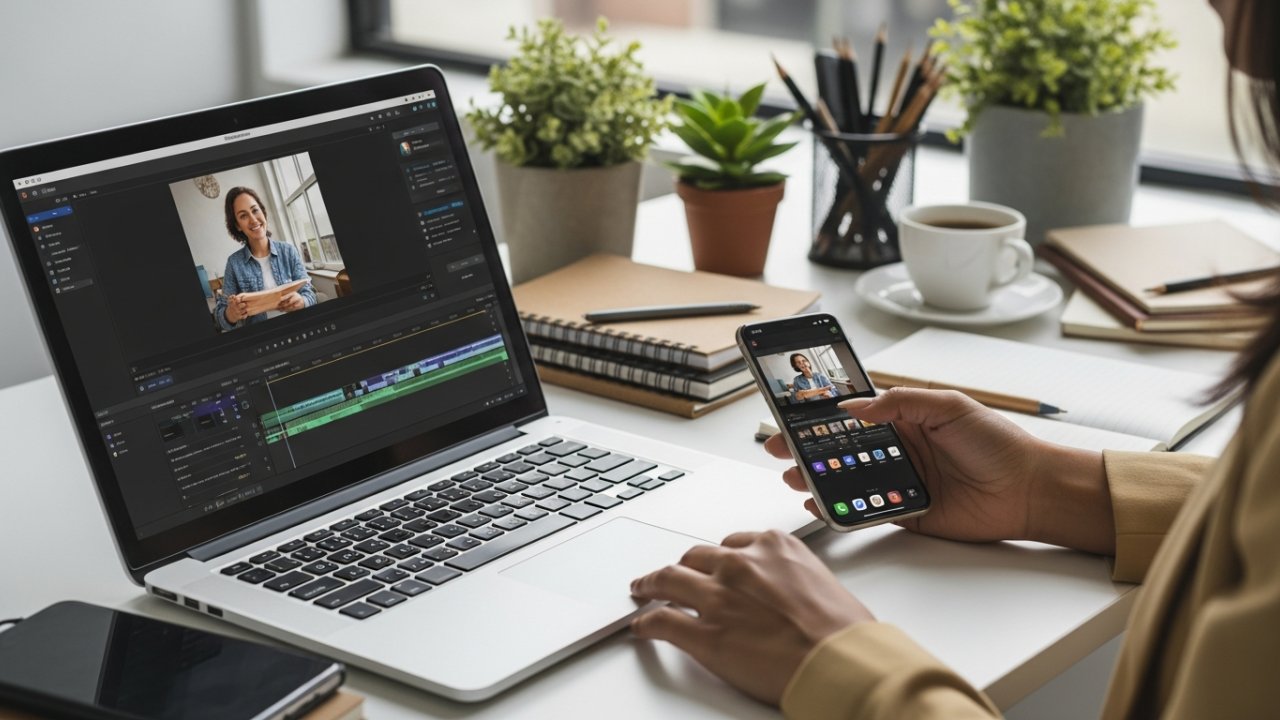
When looking for a user-friendly video editing solution, Microsoft Clipchamp stands out as an excellent choice for Windows users. This lightweight auto video editor makes video creation quick and easy.
Here are three key features that make Clipchamp ideal for social media content:
- Online and Downloadable Options: You can edit videos directly in your browser or download the software for offline use.
- Extensive Library of Explainer Videos: These resources assist you in mastering the editing process, perfect for teams using Microsoft Teams.
- Support for Vertical Video Formats: Clipchamp caters to the growing demand for social media content, allowing you to create optimized videos effortlessly.
While it’s user-friendly, keep in mind that it’s better suited for casual users than professional editing tasks.
Viva Cut
Viva Cut stands out with its user-friendly interface, making video editing straightforward for both beginners and casual users.
It supports various video formats, ensuring you can easily create content customized for platforms like Instagram or TikTok.
With flexible pricing plans available, including a Pro version that reveals advanced features, you can choose the option that best fits your editing needs.
Key Features Overview
Editing videos for social media has become increasingly important, and Viva Cut stands out with its impressive set of features intended to improve your editing experience.
As one of the great video editing apps for iPhone, it offers:
- Multiple Video Imports: You can import various clips and trim them from any segment, giving you greater flexibility during editing.
- Layout Switching: Easily switch between vertical, square, and horizontal formats, ensuring your videos fit perfectly on any social media platform.
- Pro Version Features: Access unlimited layers for overlays, greatly broadening your creative possibilities for complex projects.
Available on both the App Store and Android Play Market, Viva Cut provides a free version with limited features, along with flexible pricing options for the Pro version, making it a versatile choice for all users.
User-Friendly Interface
A user-friendly interface sets Viva Cut apart in the crowded field of video editing apps.
Designed for both beginners and experienced users, its intuitive layout simplifies the editing process. You can easily navigate through tools and features, thanks to the guided editing process that improves your overall experience.
This best iPhone movie editor supports various aspect ratios, including vertical layouts, making it perfect for social media content. You’ll likewise appreciate the animated text options, which let you customize colors and fonts to add a creative flair to your videos.
If you’re looking to raise your editing, the pro version reveals advanced features like 4K export and additional filters, catering to those who want more thorough capabilities.
[embedded content]
Pricing and Plans
Regarding pricing and plans for video editing software, Viva Cut offers a range of options to suit different user needs.
If you’re looking for editing apps for Instagram edits, you can start with their free version, which includes basic editing features and allows for 2 overlapping layers.
For more advanced capabilities, consider the Pro version, which provides unlimited layers and additional features.
Here’s a quick breakdown of the pricing options:
- Free version: Basic features for beginners.
- Monthly subscription: Flexible payment for short-term use.
- Yearly plan: Discounted option for long-term users.
Check the app for the most current pricing details, as they may vary, ensuring you choose what fits your editing needs best.
Spark Camera
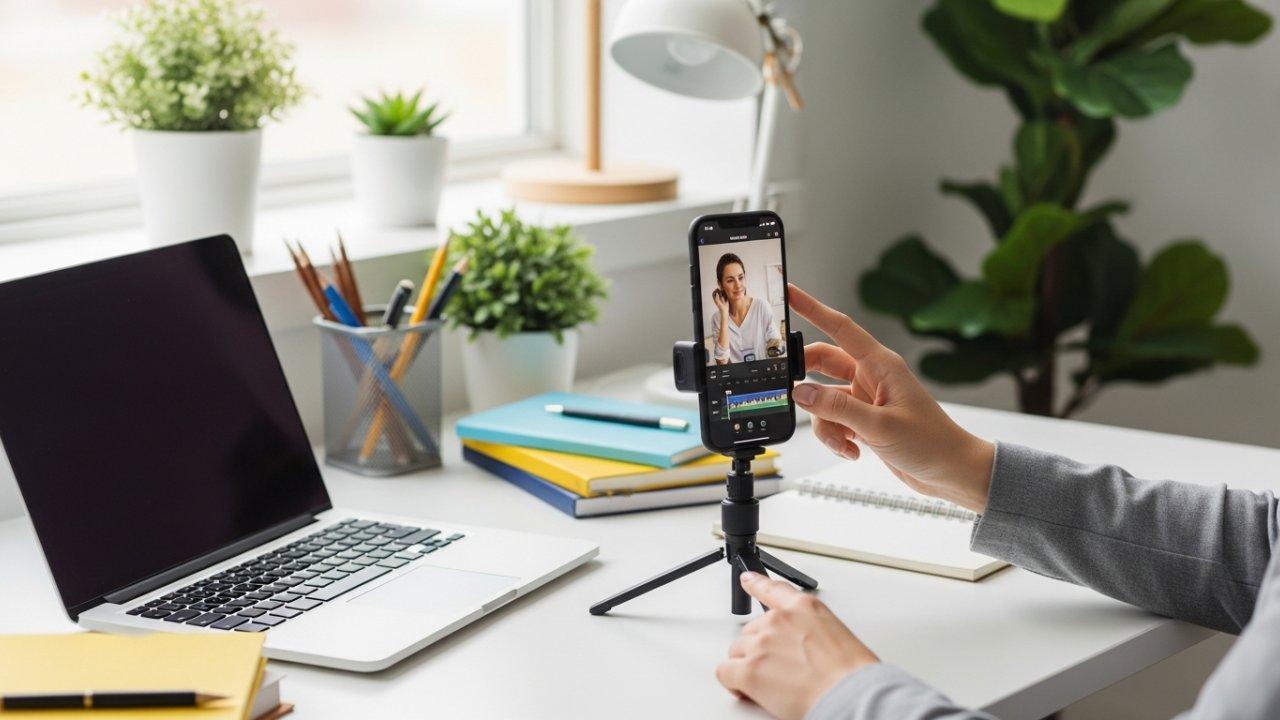
Spark Camera provides a user-friendly platform for creating quick social media content, especially suited for platforms like Instagram Stories and TikTok.
This app is one of the cool editing apps for iPhone, designed for basic editing tasks that anyone can master. With its simplified trimming function, you can make quick edits without getting overwhelmed by complex processes.
The app furthermore allows you to integrate music from your iTunes library, giving you control over volume levels to improve your videos. Its clear interface makes it ideal for beginners seeking straightforward editing solutions.
In addition, Spark Camera offers a free limited version, along with Pro options for those wanting more features and capabilities, ensuring it meets various user needs effectively.
InShot

For those looking to create professional-quality videos directly from their mobile devices, InShot stands out as a robust video editing app designed for social media content.
This app simplifies the editing process with features customized for apps for edits on Instagram and other platforms.
Here are three key features:
- Aspect Ratio Adjustments: Easily modify your video’s dimensions for TikTok, Instagram, and more.
- Creative Filters and Effects: Access an extensive library to improve your videos visually.
- Music Integration: Sync music with beat detection and control video speed for a polished final product.
Available on both the App Store and Android Play Market, InShot offers a free version with ads and watermarks, making it accessible to all users.
Frequently Asked Questions

What Is the Best Video Editor for Social Media?
When choosing the best video editor for social media, consider your needs and platform requirements.
Kapwing stands out for its AI features and easy online access, perfect for quick edits.
Adobe Premiere Rush offers a user-friendly interface and cross-device compatibility, though it may lack advanced tools.
For mobile users, Enlight Videoleap provides impressive animations, whereas InShot excels in quick content creation with various effects.
Evaluate these options based on your editing style and desired features.
What Do Most Influencers Use to Edit Videos?
Most influencers use a variety of editing tools to improve their videos.
CapCut is popular for its free, user-friendly features, making it ideal for short-form content.
Adobe Premiere Rush offers seamless integration with other Adobe products, facilitating multi-device editing.
InShot provides extensive tools for music and aspect ratio adjustments.
Enlight Videoleap is chosen for its animation capabilities.
Moreover, TikTok’s built-in editing tools allow for quick, engaging video creation directly on the platform.
What Is the No. 1 Best Video Editor?
The number one best video editor is Kapwing. It offers advanced features, including AI-powered tools and compatibility across all devices, making it accessible for everyone.
With its user-friendly interface, you can easily edit vertical videos, and the automatic subtitles and smart cropping improve your content.
As there’s a free version with a watermark, the Pro version at $16/month reveals additional features.
Regular updates keep you aligned with the latest editing trends.
[embedded content]
Where Can I Edit Vertical Videos?
You can edit vertical videos using various online and mobile platforms.
Tools like Kapwing offer AI features for easy editing, whereas iMovie is great for Mac users needing basic options.
Enlight Videoleap provides advanced animation features on mobile, and Picsart combines video and photo editing in a user-friendly interface.
If you’re looking for something straightforward, Adobe Premiere Rush allows seamless social media sharing, though it has fewer features compared to professional software.
Conclusion

In summary, choosing the right vertical video editor can greatly improve your social media content. Each of the seven options—Kapwing, iMovie, Picsart, Microsoft Clipchamp, Viva Cut, Spark Camera, and InShot—offers unique features customized to your specific needs. By considering factors such as ease of use, available tools, and pricing, you can select an editor that aligns with your goals. With the right software, you’ll be better equipped to create engaging videos for platforms like TikTok and Instagram.
Image via Google Gemini